




technology
Logitech Wireless Keyboard Typing Wrong Characters
Dec
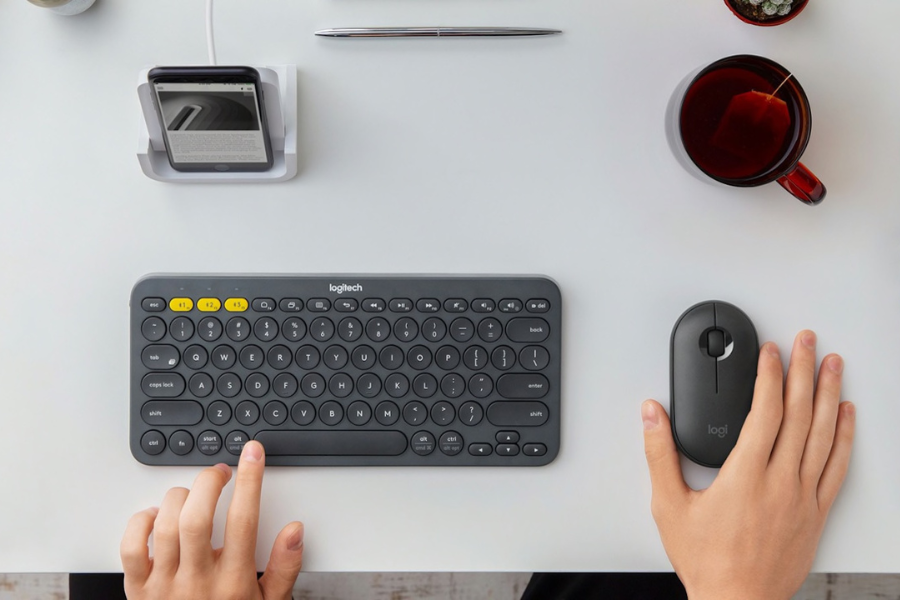
Have you ever been in a situation where you have been typing for quite some time, but as soon as you look up at the screen, you read something that does not even make sense? This is what happens when your Logitech wireless keyboard types the wrong characters.
5. Ways to Fix Logitech Wireless Keyboard Typing Wrong Characters?
1. Check Language Settings
2. Check Autocorrect Settings
Autocorrect features can sometimes cause unintended character substitutions. Verify your autocorrect settings to ensure they align with your typing habits. Adjust the autocorrect settings on your device, as certain configurations may interpret your keystrokes differently. By fine-tuning these settings, you can eliminate potential sources of character discrepancies when using your Logitech wireless keyboard.
3. Check NumLock is Off
The NumLock key can impact the behavior of certain keys on your keyboard, leading to unexpected character inputs. Ensure that NumLock is turned off, especially if your keyboard has a numeric keypad. Toggling the NumLock key can resolve issues where numeric characters are being entered instead of the intended letters. This is a common oversight but can significantly impact the keyboard’s functionality.
4. Update Keyboard Drivers
5. Replace Batteries
Low battery levels can cause erratic behavior in wireless keyboards, leading to issues like typing the wrong characters. If you haven’t replaced the batteries recently, it’s time to do so. Swap out the old batteries with fresh ones to ensure a stable power supply. Weak or dying batteries may result in unreliable communication between the keyboard and the computer, leading to character input errors. When replacing batteries, it’s advisable to use high-quality, brand-name batteries to maximize performance. Ensure proper insertion, following the polarity indicated in the battery compartment. After replacing the batteries, allow a moment for the keyboard to reconnect with your computer. Test the keys to see if the issue persists. At Fix My Gadget, we make use of high-quality, original replacement batteries to ensure quality repair service.
Conclusion
Frequently Asked Questions
How do I fix my Logitech keyboard for typing wrong letters?
To address a Logitech keyboard typing wrong letters, start by checking the language settings on your device. Ensure the correct language is selected. If the issue persists, try reconnecting the keyboard, updating drivers, or replacing batteries.
Why is my keyboard typing the wrong symbols?
If your keyboard is typing the wrong symbols, verify the selected keyboard layout in your device settings. Ensure it matches your physical keyboard. Additionally, check for any software conflicts or driver issues that may be causing the symbol mismatch.
Why is my wireless keyboard not typing properly?
When a wireless keyboard is not typing properly, first check the battery status. Weak batteries can lead to erratic behavior. Ensure the wireless receiver is connected securely, and try re-pairing the keyboard with the receiver. If problems persist, updating drivers or seeking professional help may be necessary.
